

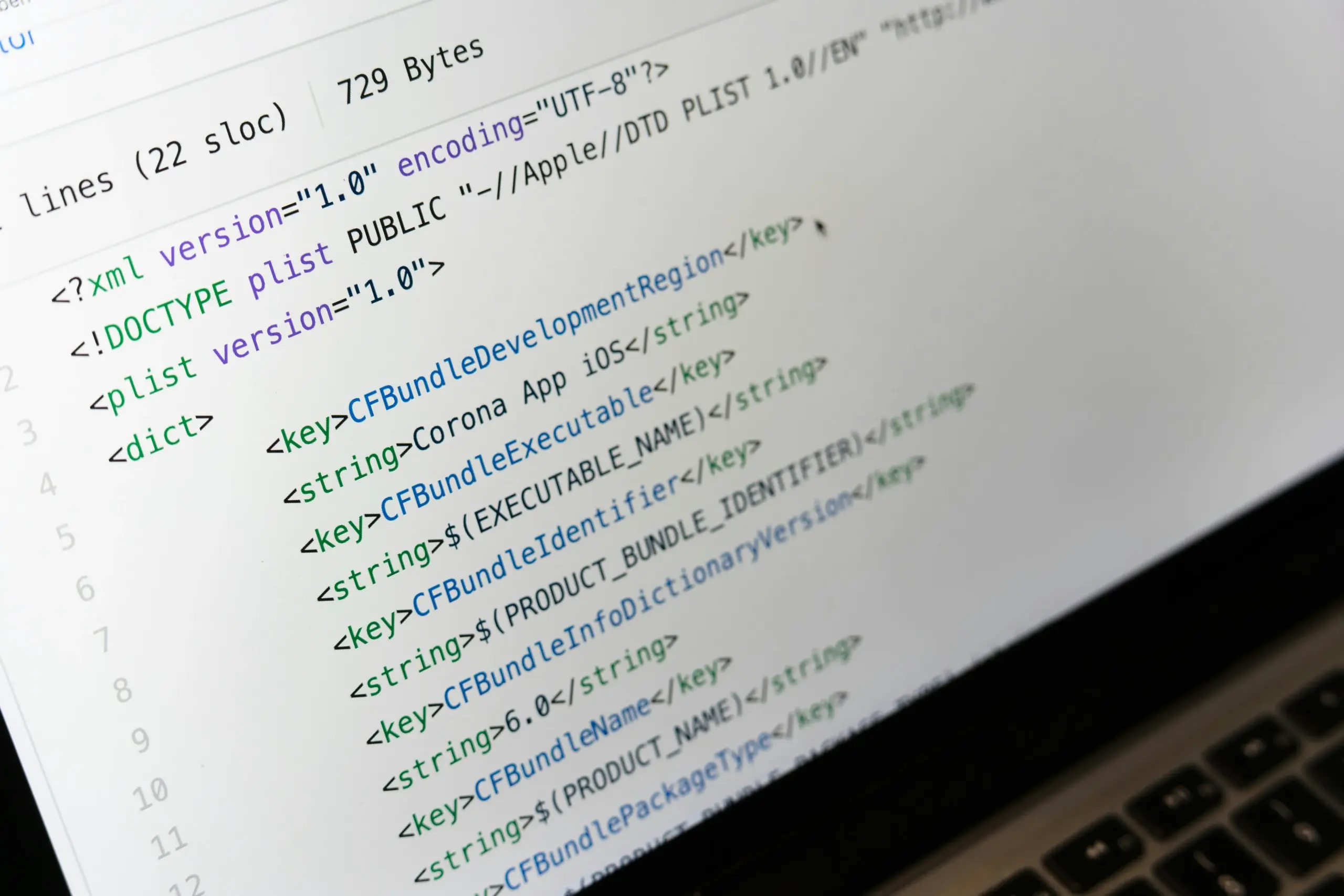
XML is widely used for structured data, exports, and older systems, while many modern applications and APIs work more naturally with JSON.
If you need to convert XML to JSON online, you can transform the data directly in your browser without manually rebuilding the structure.
Table of Contents
XML vs JSON: What’s the Difference?
XML uses tags, elements, and attributes to describe data. JSON uses objects, keys, values, and arrays, and is often more compact depending on how the data is structured and formatted. JSON is also commonly used in web applications and APIs.
For example, XML elements such as title, author, and price can become corresponding properties in a JSON object.
How to Convert XML to JSON Online
Using the ModiTool XML to JSON converter, the process takes only a few steps:
- Open the XML to JSON tool.
- Paste your XML into XML Input or select Upload File.
- Enable Pretty print if you want easier-to-read JSON.
- Click Convert.
- Review the result in JSON Output.
- Use Copy or Download to save the converted data.
The original XML and converted JSON appear side by side, making it easy to compare the structures.
How XML Data Is Converted to JSON
During conversion, XML elements become JSON properties while nested elements create nested structures.
For example, an XML element such as <book id=”1″> can become a JSON object called book. The id attribute may be preserved under @attributes, while elements such as title, author, and price become regular key-value pairs.
This helps preserve the hierarchy when you convert XML to JSON online.
Pretty Print and Reviewing Your JSON
The Pretty print option adds indentation and line breaks to the JSON output. It does not change the data itself, but makes larger or nested structures easier to read.
After conversion, check that important elements, attributes, and nested data appear in the expected places.
When Should You Convert XML to JSON?
XML to JSON conversion is useful for API integrations, data migrations, legacy XML exports, and JavaScript applications that expect JSON input.
It can also make structured data easier to review or process without manually recreating the original hierarchy.
Tips for Accurate XML to JSON Conversion
Make sure the XML is correctly structured before converting. Missing closing tags or invalid nesting can affect the output.
For more complex files, review attributes and nested elements carefully and use Pretty Print to make the structure easier to inspect.
Convert XML to JSON Online
Use the ModiTool XML to JSON converter to paste or upload your XML, convert it in seconds, and copy or download the resulting JSON directly from your browser.

