Marketing teams handle large volumes of files weekly: graphics, screenshots, reports, PDFs, social content and website assets. When file management isn’t controlled, production slows down, deadlines slip and errors multiply. Below are ten common mistakes and clear methods to resolve each.
Table of Contents
1. Uploading Full-Resolution Images Straight From a Camera
Large source files often exceed 3–10 MB each. Uploading them directly to a CMS or sending them internally creates unnecessary delays.
Fix:
Resize images to appropriate dimensions and compress them before uploading or sharing.
2. Overusing PNG Files Where They Aren’t Needed
PNG files preserve transparency but are significantly heavier than JPEG or WebP. Many teams use PNG by default, even for photos or graphics that don’t require it.
Fix:
Use PNG only when transparency is essential. Convert everything else to JPEG or WebP.
3. Sending PDFs That Are Too Large for Client Review
Big reports, brochures or case studies often reach 20–50 MB, making them difficult to email or preview on mobile devices.
Fix:
Compress PDFs and remove unnecessary pages before sending.
4. Storing Mixed File Formats for the Same Asset Set
Teams often receive assets in JPG, PNG, TIFF and PDF format simultaneously. This leads to messy libraries and inconsistent production.
Fix:
Standardize acceptable formats and unify incoming assets before use.
5. No Clear Naming Convention
Filenames such as “final_v3_new2_final_FINAL.pdf” create confusion and make it difficult to track versions.
Fix:
Use a consistent, descriptive naming structure like:project-name_channel_version_date.ext
6. Lack of Version Control
Teams often overwrite files or create unnecessary variations. This slows review cycles and creates confusion during approvals.
Fix:
Keep source files separate from exported versions and maintain an organized version log.
7. Not Preparing Correct Sizes for Social Platforms
Teams sometimes resize graphics manually inside social platforms, leading to inconsistent visuals and broken layouts.
Fix:
Prepare assets in platform-specific dimensions:
- 1080×1080 (Instagram)
- 1080×1920 (Stories/Reels)
- 1200×628 (Facebook ads)
8. Using High-DPI Images Designed for Print on the Web
Print graphics often come in 300 DPI, which is unnecessary for web and creates large file sizes.
Fix:
Reduce DPI to 72 for digital use and export in a web-friendly format.
9. Forgetting to Compress Email Assets
Large images increase email load time and negatively affect click-through rates.
Fix:
Use lightweight images under 150 KB for email banners and content blocks.
10. Using Multiple Tools for Simple Tasks
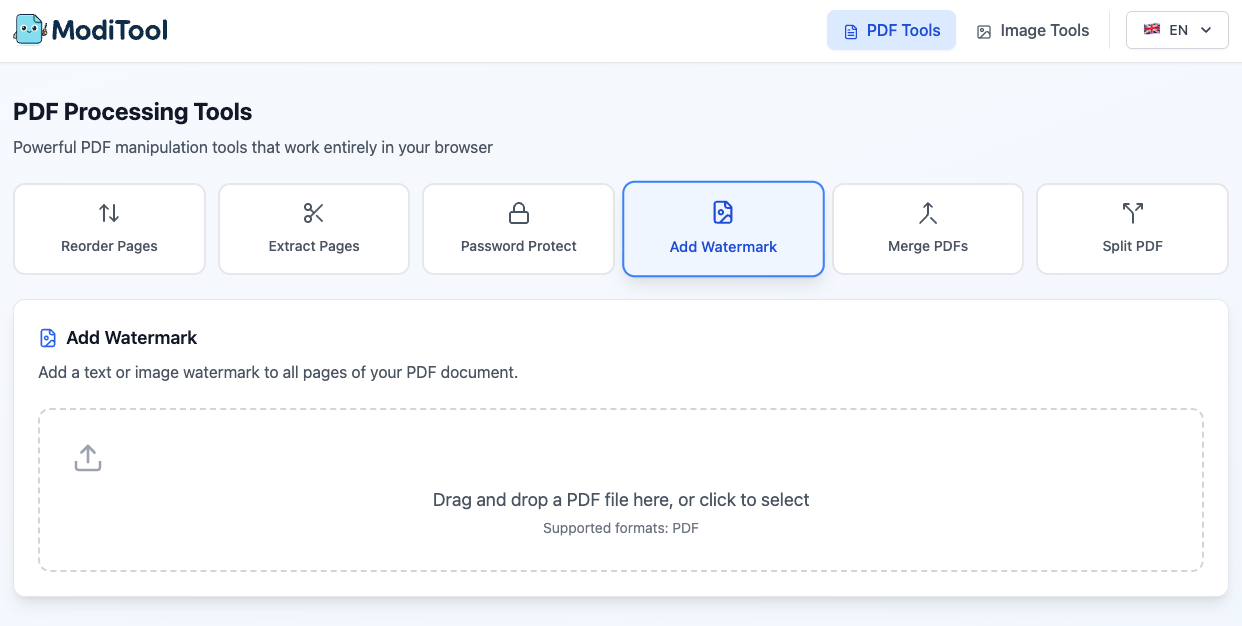
Switching between many applications to crop, compress, convert or merge files wastes time and reduces consistency.
Fix:
Consolidate repetitive tasks into a unified workflow or central toolset.

Conclusion
Marketing efficiency depends heavily on file hygiene, consistent optimization and predictable workflows. By addressing these ten common mistakes, teams can reduce friction, improve asset quality, accelerate approvals and ensure that published content loads quickly and looks consistent across platforms.